01 / Feature
20+ garden styles
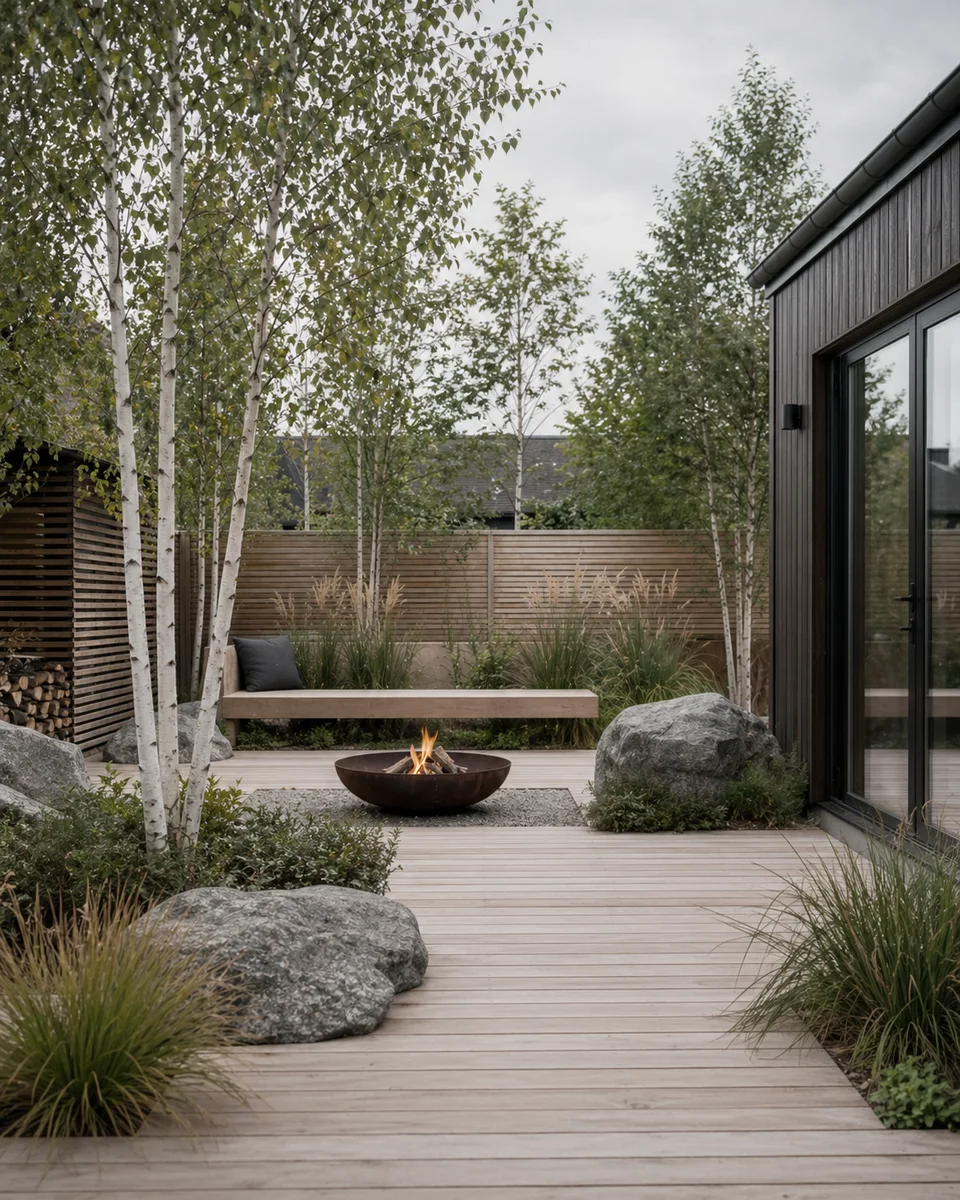
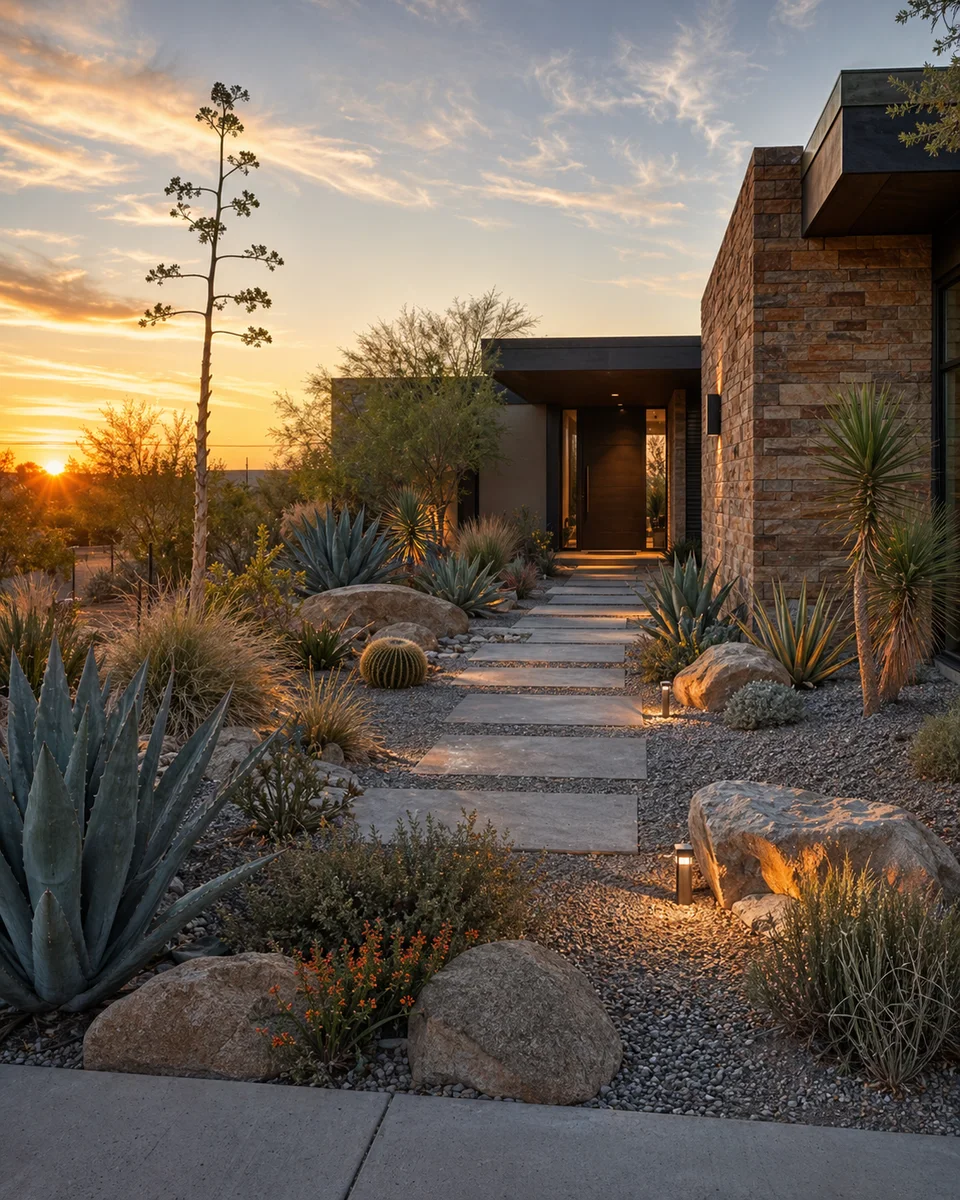
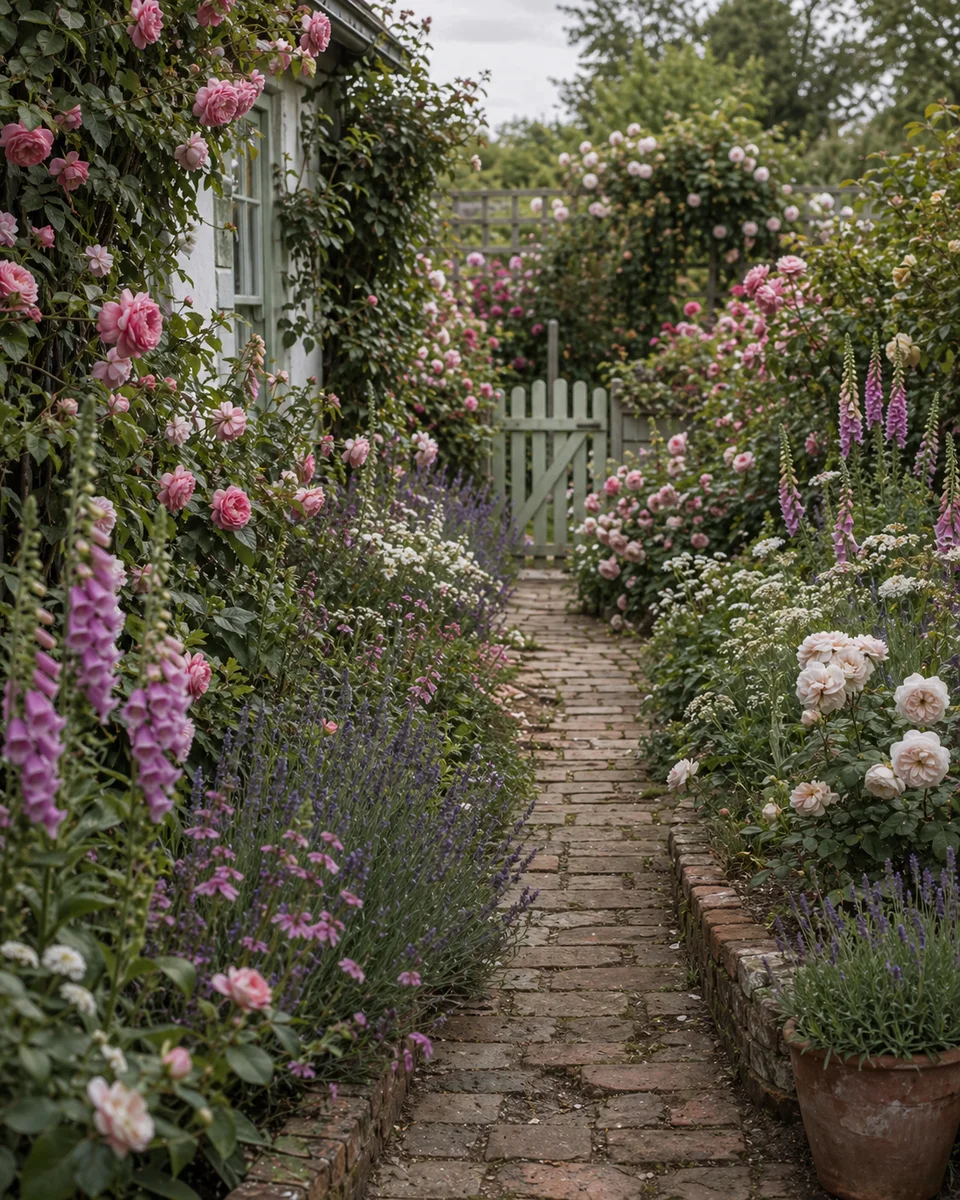
Zen, Cottage, Modern, Tropical, Mediterranean, and more — compare them on your real yard before you commit.
Upload a photo of any outdoor space — backyard, patio, balcony — pick from Zen, Cottage, Modern, and 20+ styles, and see the transformation in seconds.
Try Japanese Zen, English Cottage, Modern Minimal, Scandinavian, Desert, and more on your real yard.
Get 4 design variations at once — then refine with AI by swapping plants, removing objects, or redesigning sections.
Analyze your current garden for recommendations on plants, layout, and style direction.
Upload a photo of any outdoor space — backyard, patio, balcony — pick from Zen, Cottage, Modern, and 20+ styles, and see the transformation in seconds.
Try Japanese Zen, English Cottage, Modern Minimal, Scandinavian, Desert, and more on your real yard.
Get 4 design variations at once — then refine with AI by swapping plants, removing objects, or redesigning sections.
Analyze your current garden for recommendations on plants, layout, and style direction.
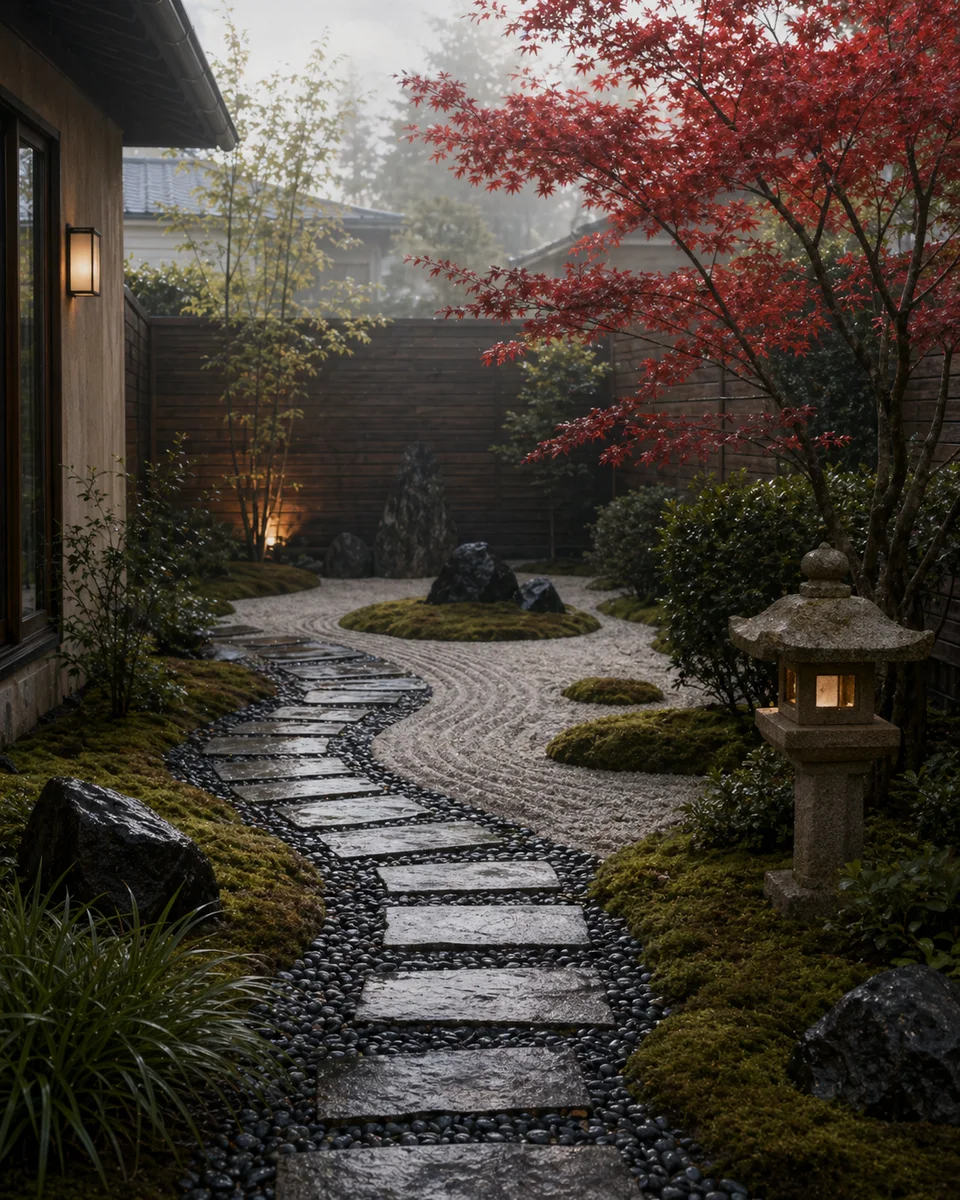
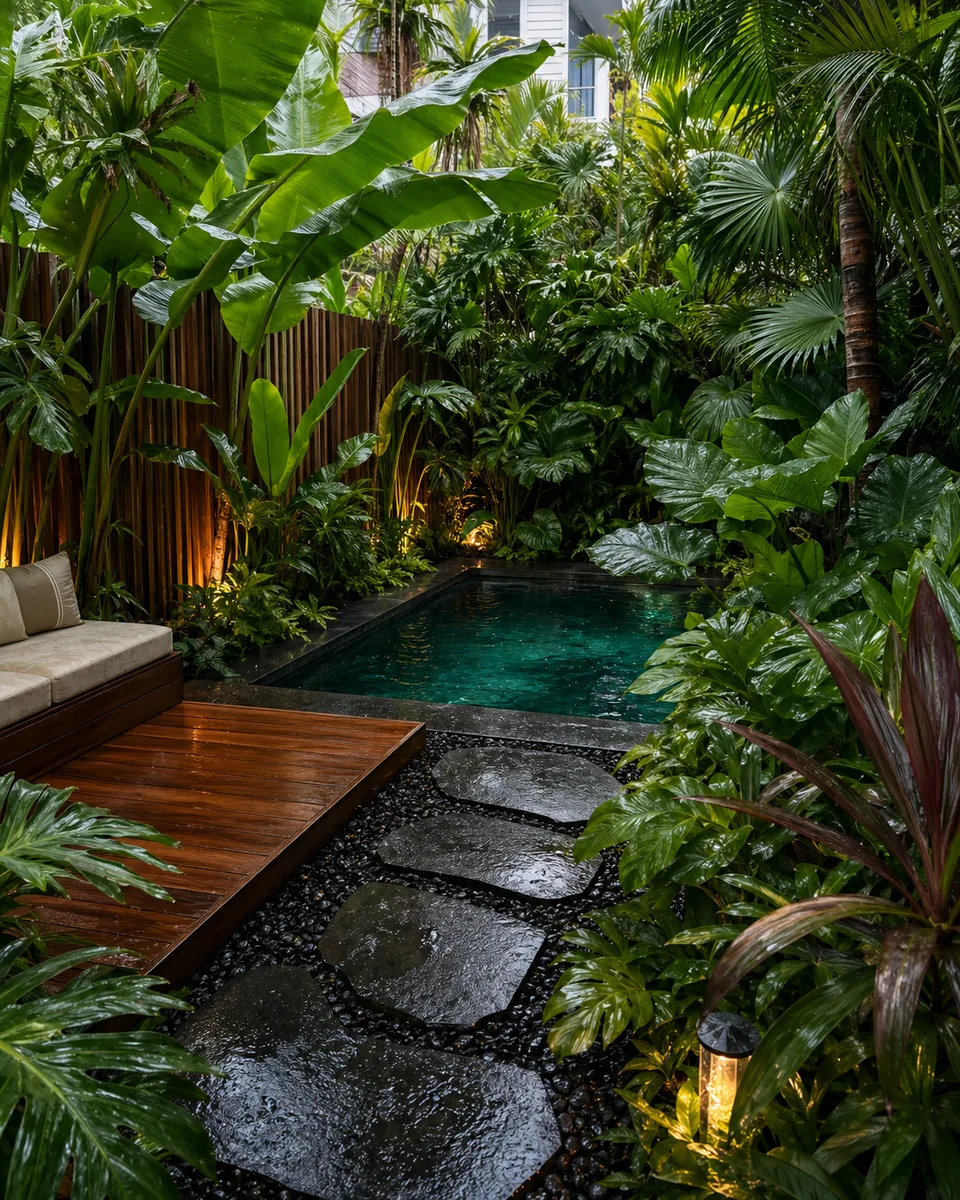
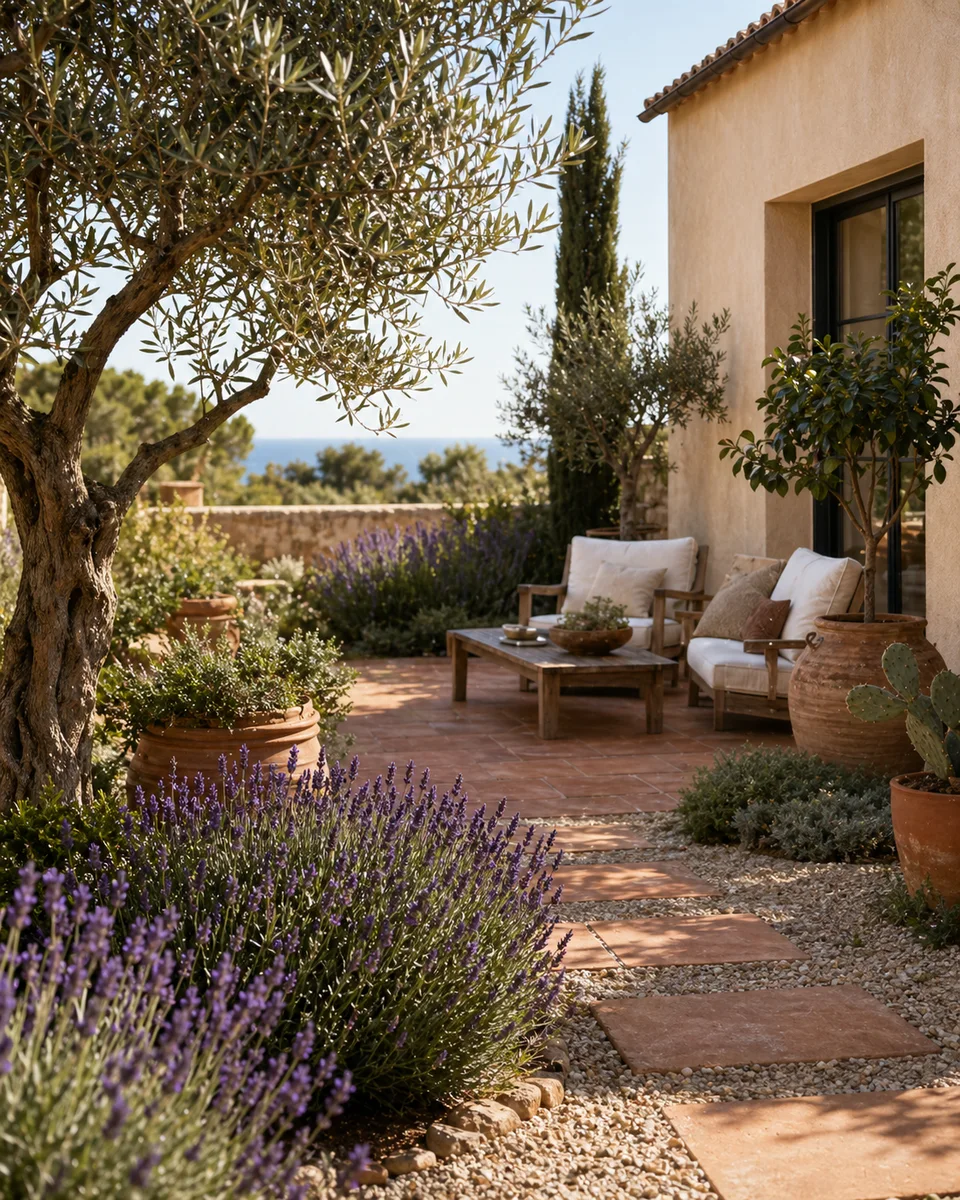
Zen, Cottage, Modern, Tropical, Mediterranean, and more — compare them on your real yard before you commit.
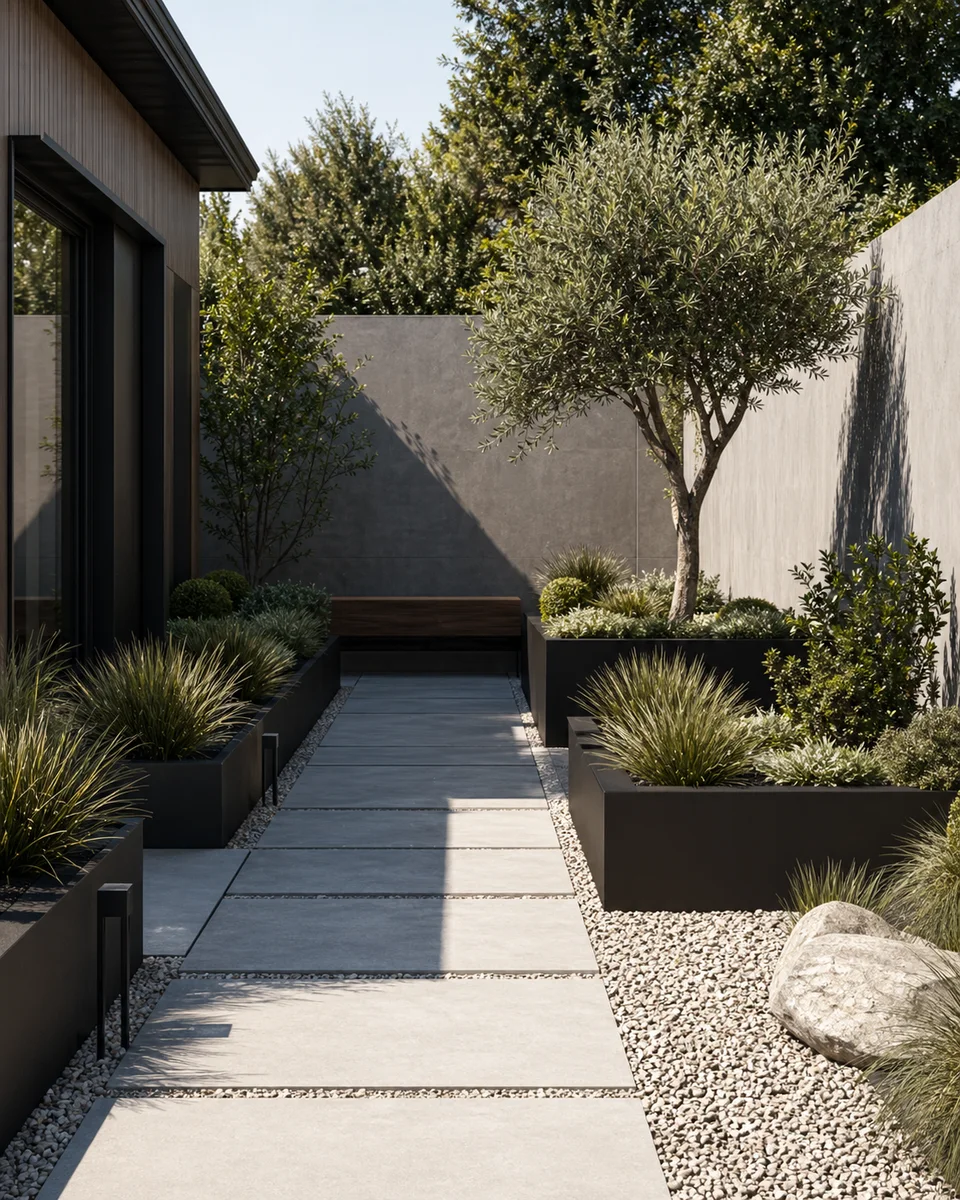
Get four unique design options from one photo, then pick the one that fits your space best.
Describe a change — swap plants, add a pathway, remove a fence — and see the result instantly.
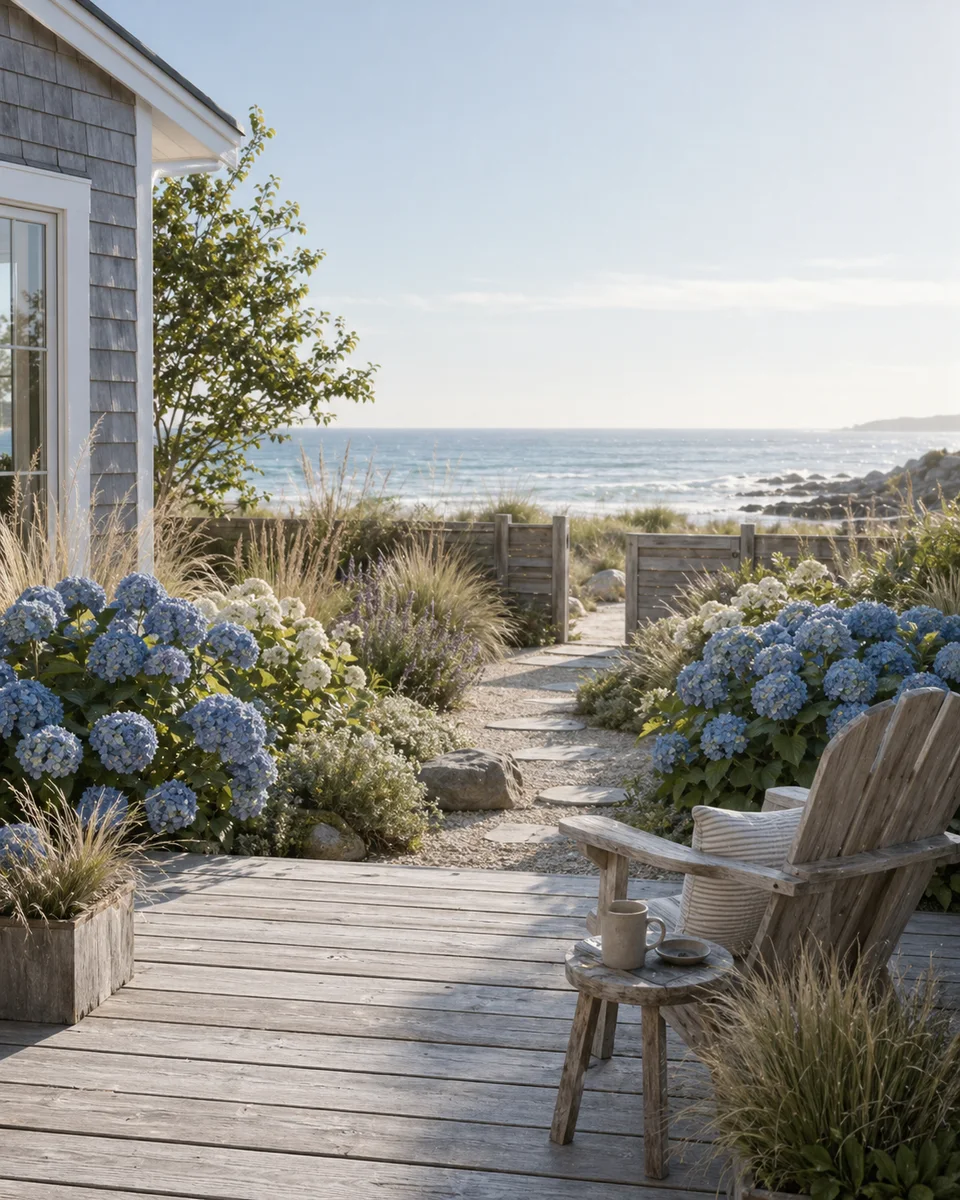
Upload a photo and get AI recommendations on plants, layout, and style direction for your outdoor space.
Three steps from photo to a fully composed garden render. No accounts, no setup.
Snap a photo of your backyard, patio, balcony, or any outdoor space.
Pick a garden style and optional color palette — or let AI suggest.
Review up to 4 variations, edit details, and save your favorites.
I showed the preview to my landscaper and we agreed on a plan in one meeting instead of three.
Trying different styles on my actual backyard saved me from a patio renovation I would have regretted.
The before-and-after was realistic enough that my partner finally got excited about redoing the garden.
Yes. You can download the app for free, try core previews, and only upgrade if you want more volume, more styles, or higher-detail results.
Yes. The app supports everything from small balconies to large backyards, and styles are designed to fit different climates and regions.
Save two or three designs, compare them side by side, then bring the strongest result to your landscaper as a reference.
Yes. You can apply different styles — Zen, Cottage, Modern, Tropical — to the same photo and compare them all before deciding.
Download Arden free — see your garden transformed in seconds.
No credit card. No signup. Just results.
Scan to download
Point your phone camera at a code

